

Deze gids is voorlopig alleen in het Engels beschikbaar.
Which workstation do I need for 3D rendering and CAD?
Waiting for renders costs hours every week. The right workstation keeps big models smooth on screen and finishes final renders much faster. What matters depends on whether you mostly model, render or edit video.
Laatst gecontroleerd op 13 Oct 2026
Twijfelt u? Vraag het onze AI-adviseur
Vertel welke software u gebruikt, hoe groot uw projecten zijn en wat uw budget is. Hij stelt alleen machines voor die wij verkopen, met echte prijzen en levertijden.
What matters for each job
| Job | Most important part | Why |
|---|---|---|
| CAD modelling | CPU speed per core | Most CAD software uses one core at a time |
| GPU rendering | GPU, and its memory | The whole scene has to fit in GPU memory |
| CPU rendering | Number of CPU cores | Work is shared across every core |
| Video editing | GPU, RAM and fast storage | Playback and export use all three |
| Real-time and VR | GPU | Smooth frames need a strong graphics card |
Simple sizing tips
- GPU memory: if your scenes have many high-resolution textures, more memory stops slow-downs and crashes. 16 GB suits most work; large scenes and architecture walk-throughs benefit from 24 GB or more.
- RAM: 64 GB is a comfortable start for 3D work; 128 GB or more for large scenes and 8K video.
- Storage: keep projects on fast NVMe and archive old work to larger drives.
- Certified drivers: many CAD programs are tested on professional NVIDIA RTX cards. Check your software's list of certified hardware.
Workstations in our catalogue
Featured machines. Prices, stock and lead times are live.
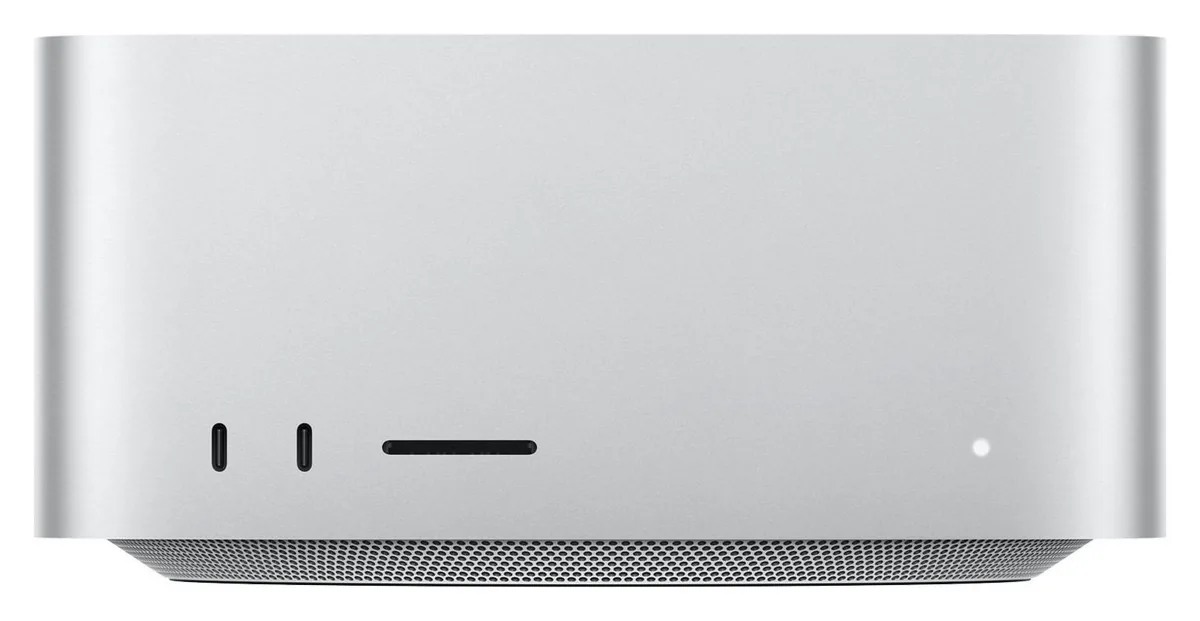
- GPU: 40-core GPU with Neural Accelerators
- Memory bandwidth: Up to 614 GB/s
- Chip: Apple M5 Max — 18-core CPU (6 super + 12 performance cores)
- GPU: 64- or 80-core GPU with Neural Accelerators
- Memory bandwidth: Up to 1.2 TB/s
- Chip: Apple M5 Ultra — 30- or 36-core CPU

- Form factor: Full tower (rack-convertible)
- CPU options: Threadripper PRO 9965WX / 9975WX / 9985WX / 9995WX
- Platform: AMD WRX90
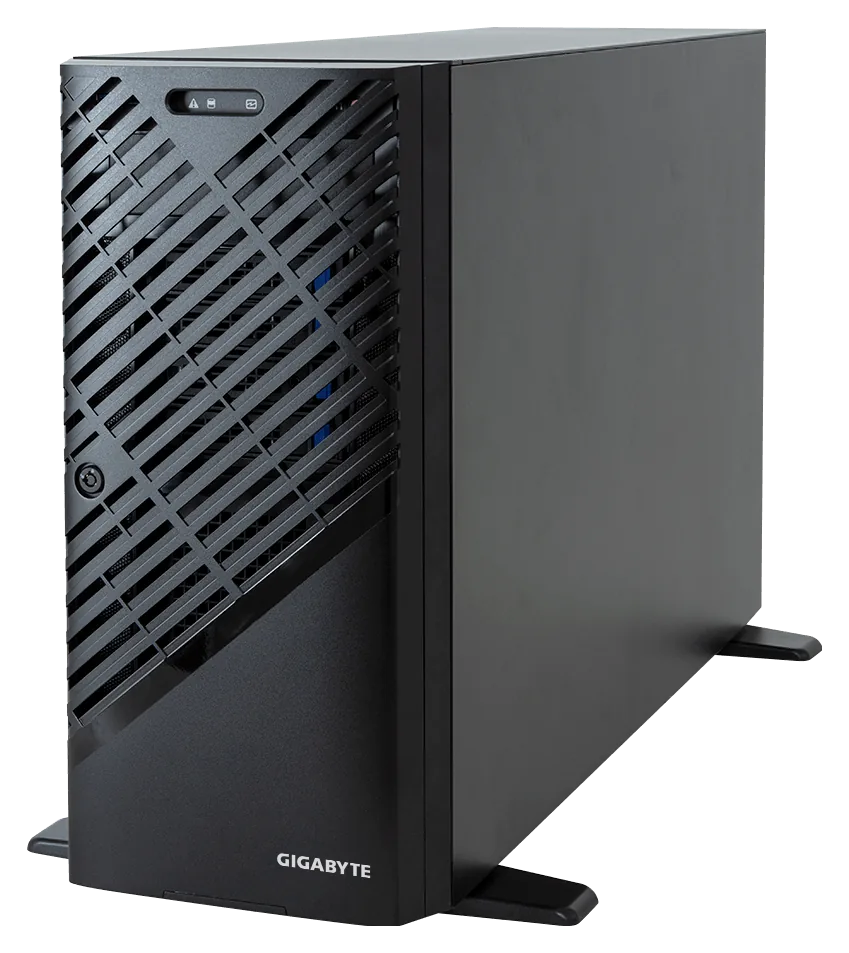
- CPU options: Threadripper PRO 7985WX or 9985WX (64 cores, 350 W)
- Warranty: 3-year depot
- Networking: Dual 10GbE (Broadcom BCM57416)
- GPU: 1× NVIDIA GPU
- Platform: AMD AM5
- CPU: AMD Ryzen 9 9950X (16 cores)
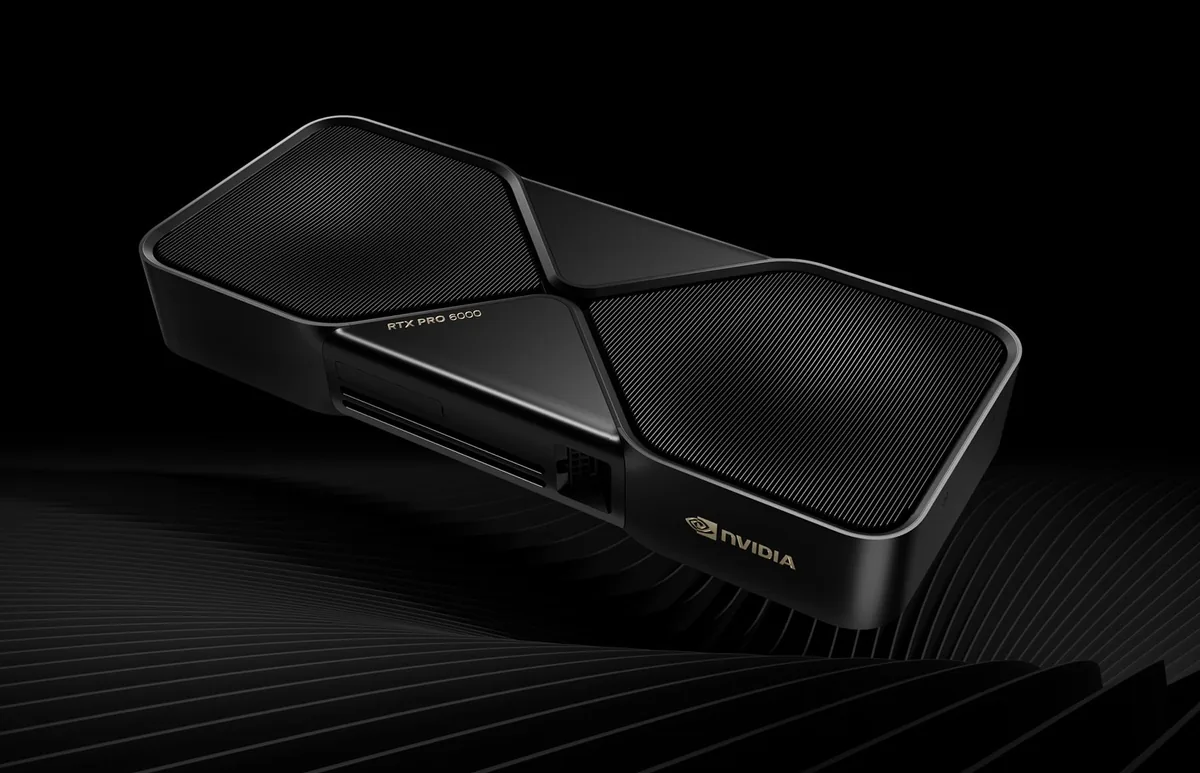
- Boot drive: 4 TB PCIe 5.0 NVMe
- GPU memory: 192 GB GDDR7 ECC total
- GPUs: 2× NVIDIA RTX PRO 6000 Blackwell Workstation Edition
Veelgestelde vragen
Do I need a professional graphics card for CAD?
Not always, but many CAD programs are only certified on professional cards. Certified cards get support from the software maker if something goes wrong.
Are your prices shown with VAT?
Yes. Every price is shown without VAT and with VAT, and there are no hidden fees.
How long will it take to arrive?
Each product shows its real lead time from our stock data. The advisor uses the same data and won't guess a date.
Krijg een voorstel op maat van uw behoeften
Vertel welke software u gebruikt, hoe groot uw projecten zijn en wat uw budget is. Hij stelt alleen machines voor die wij verkopen, met echte prijzen en levertijden.